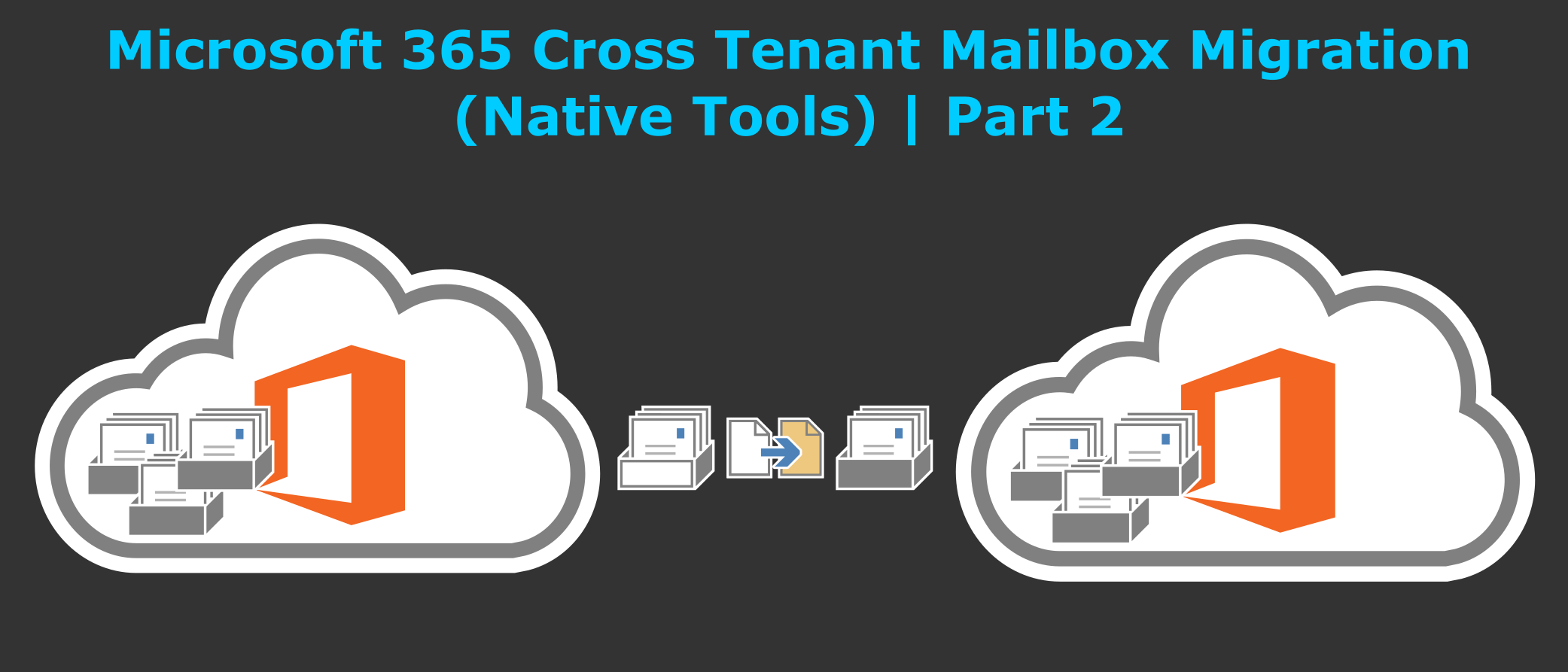
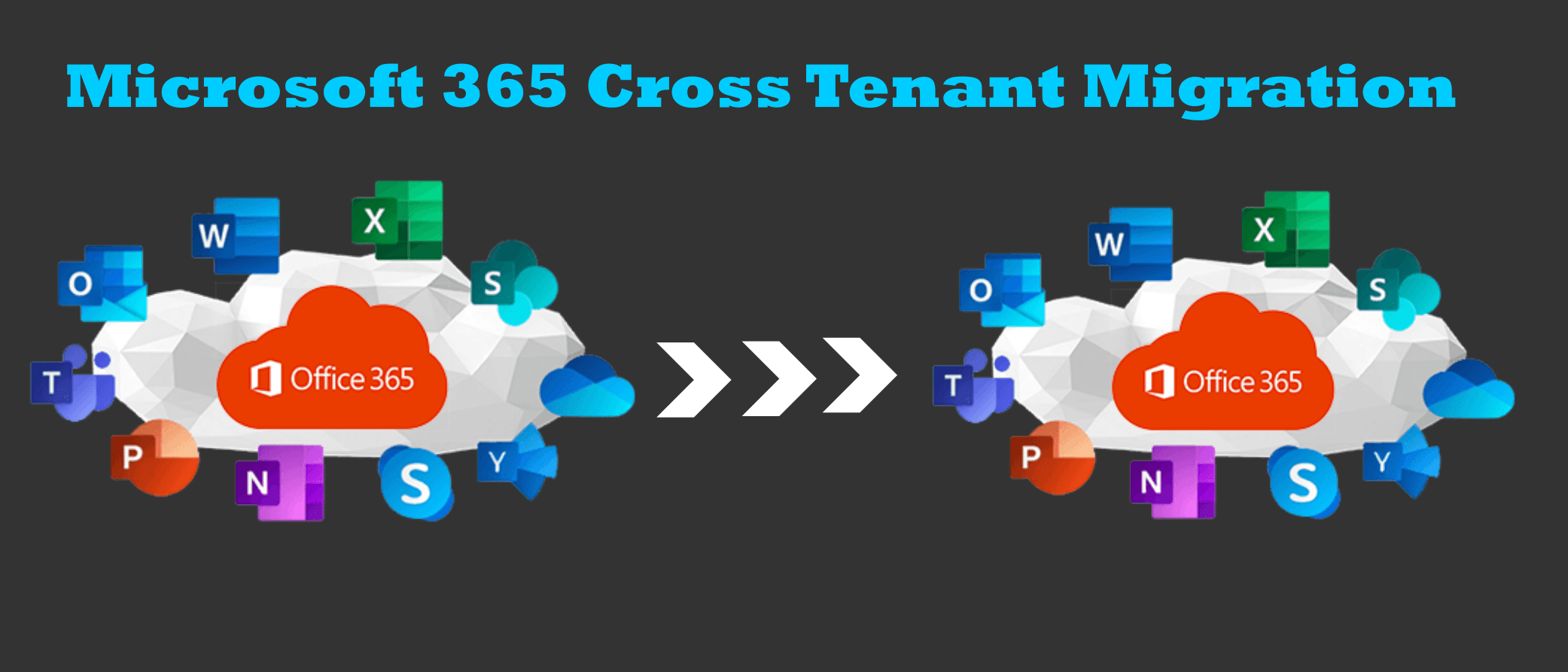
Microsoft 365 tenant-to-tenant migration is often required during mergers, acquisitions, company restructuring, or tenant consolidation. It allows organizations to transfer users, mailboxes, SharePoint data, and licenses between Office 365 tenants.
If your organization uses an Enterprise Agreement, Microsoft Support can help you remap and transfer Office 365 licenses between tenants.
There are two main ways to perform a Microsoft 365 tenant-to-tenant migration:
- Using Microsoft’s native tools
- Using third-party migration tools
The best choice depends on your organization’s size, complexity, and available technical expertise.
Cross Tenant Migration Options
If you are not signed up for Microsoft Enterprise Agreement then another option is to use a third-party migration tool. These tools can make the migration process much faster and easier, and they often offer additional features, such as the ability to migrate data from other cloud platforms.
The best way to perform an Office 365 tenant to tenant migration will depend on the specific needs of your organization. If you are unsure which method is right for you, it is a good idea to consult with a Microsoft partner or a third-party migration specialist.
Using Office 365 Native Tools
Cross Tenant User Data Migration is available as an add-on to the following Microsoft 365 subscription plans for Enterprise Agreement customers.
Pros
- Low/No cost
- Native tools
- No Third-Party support required
Cons
- Still a preview feature
- Tricky to set up (currently)
- Does not support Public Folders
- Mailbox moves may not be as flexible as data synchronization used by third-party tools
Using Third-Party Migration Tools
There is a licensing cost associated with each third-party tool.
Pros
- Flexible data synchronization options
- Supports Multi-Platform source and destination
- Bundle licensing allows for more that just Exchange Data
- Easy to set up
Cons
- Licensing Cost
- Third-party support required for issues
- Organizations may not have in-house experience with these tools
Some 3rd party tools suggested by Microsoft & Expert Community
Here are the third party tools suggested by community:
1. Quest On Demand Migration Tool (SaaS Platform)
Migrate all workloads and Active Directory with one comprehensive Office 365 tenant-to-tenant migration solution.
What is migrated?
- Active Directory
- Azure Active Directory
- Exchange Online
- OneDrive
- SharePoint Online
Quest offers the following plans.
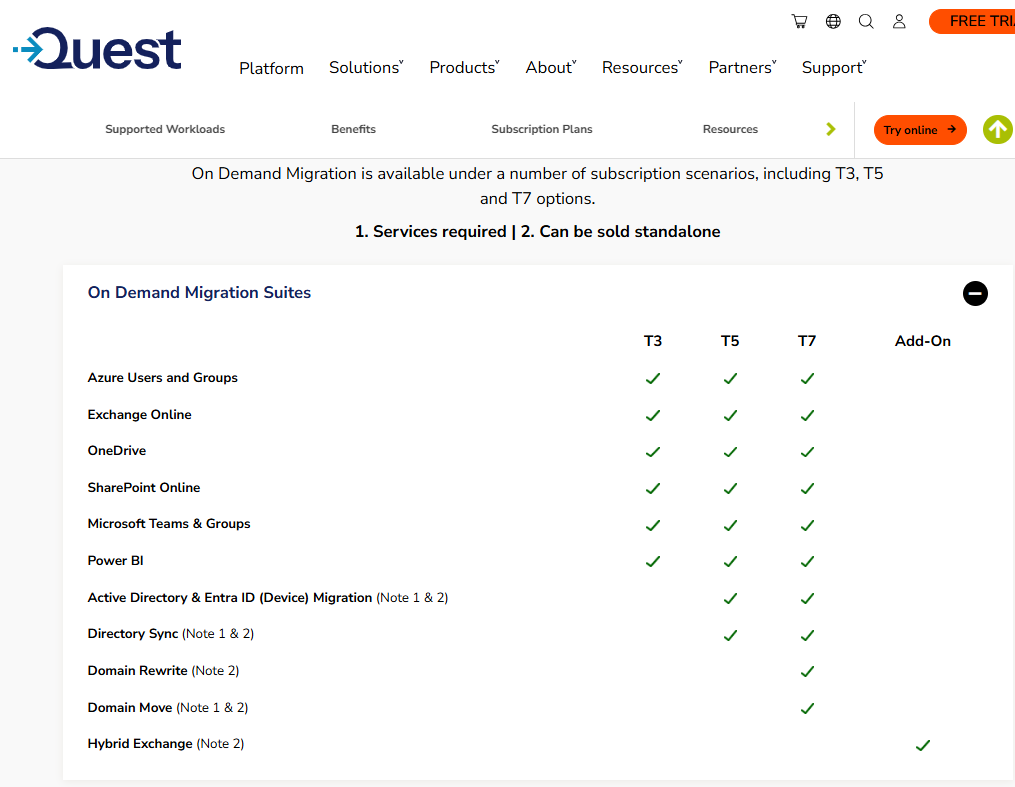
Teams & M365 Groups
Kernel Office 365 Migration (On-Premises Platform)
Office 365 Complete Tenant to Tenant ( mailbox, SharePoint, one-drive, and teams)
- Support and Maintenance
- Professional Services, Installation
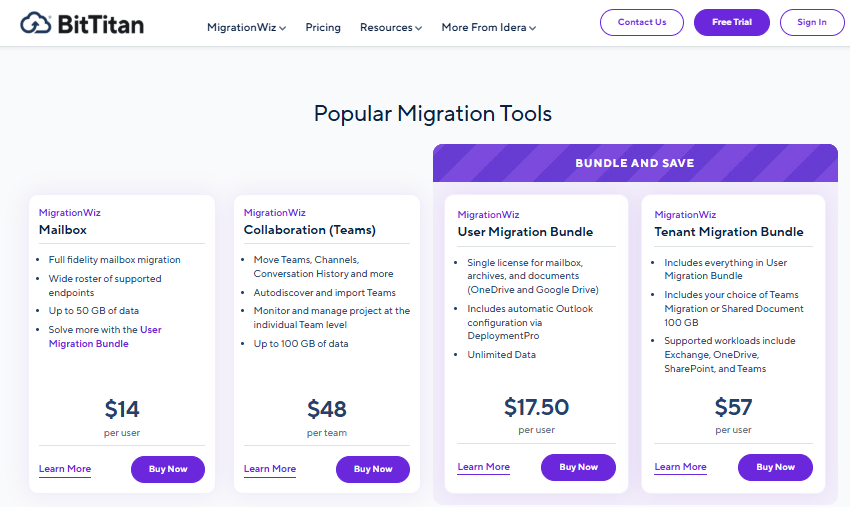
BitTitan (SaaS Platform)
The complete solution for Mergers and Acquisitions the Tenant Migration Bundle covers data stored in Exchange, OneDrive, SharePoint, and Teams – the most commonly-used applications in the Office 365 cloud office suite.
CloudiWay (SaaS Platform)
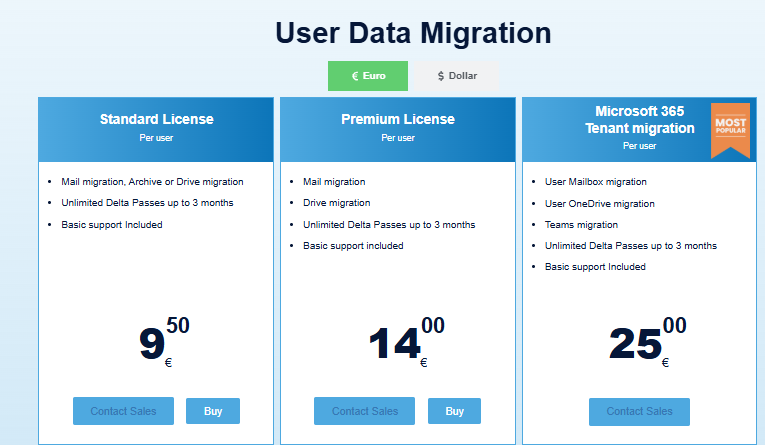
Offers complete migration solution for Office 365.
If you are looking for user friendly, reliability and coexistence features then Quest is recommended tool.
Conclusion
Microsoft 365 tenant-to-tenant migration is an important process during business changes or mergers. You can use Microsoft’s native tools for basic setups or third-party tools for advanced needs. Careful planning ensures data integrity and minimal disruption. Choose a method that aligns with your organization’s budget, timeline, and complexity.